Get Product Info

 *

 *

 *

 *

 *

*

 *


WS WORKBENCH


Record, Generate, and Run Scripts to Migrate Data Between SAP, Excel, and PDF

WS Workbench
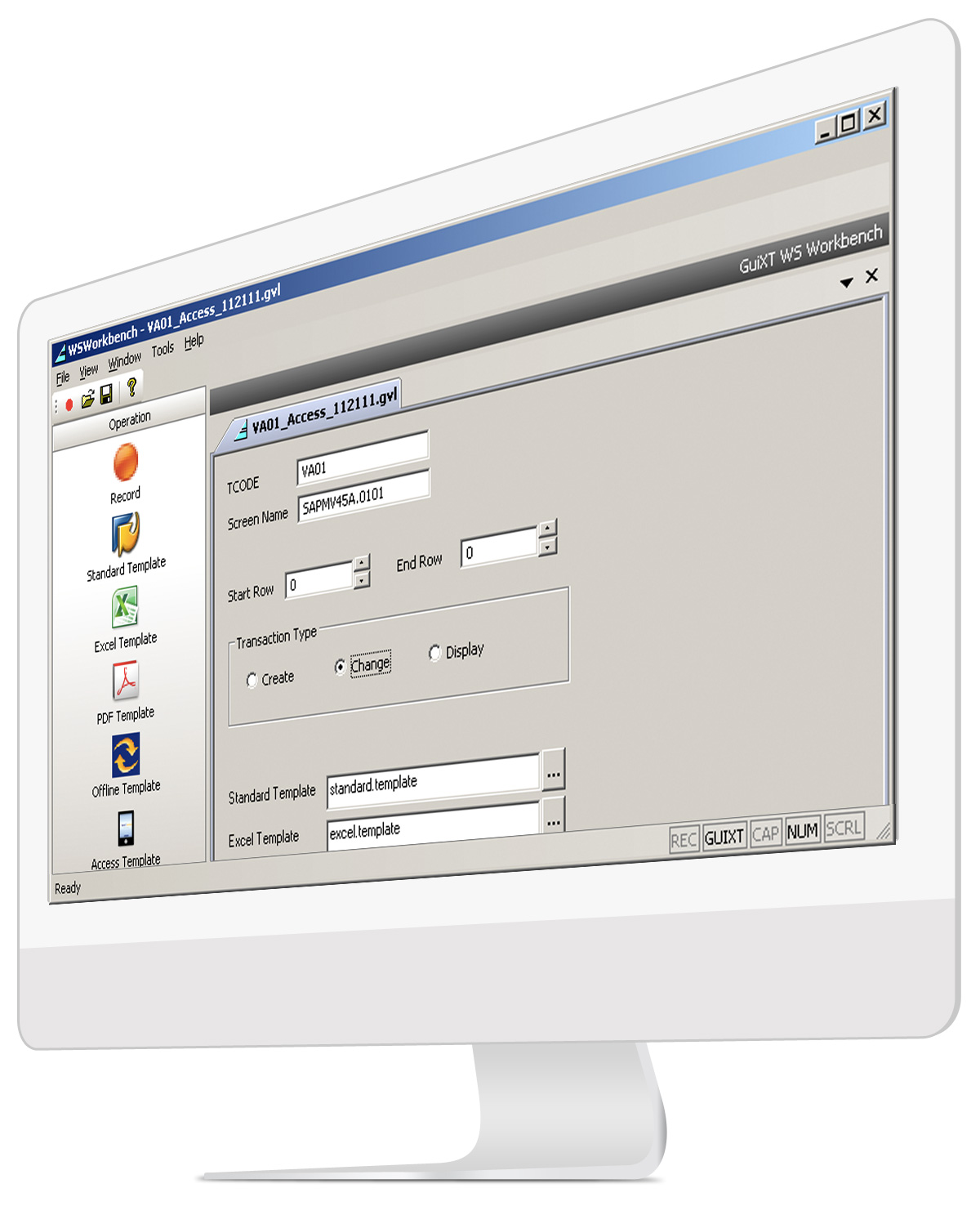
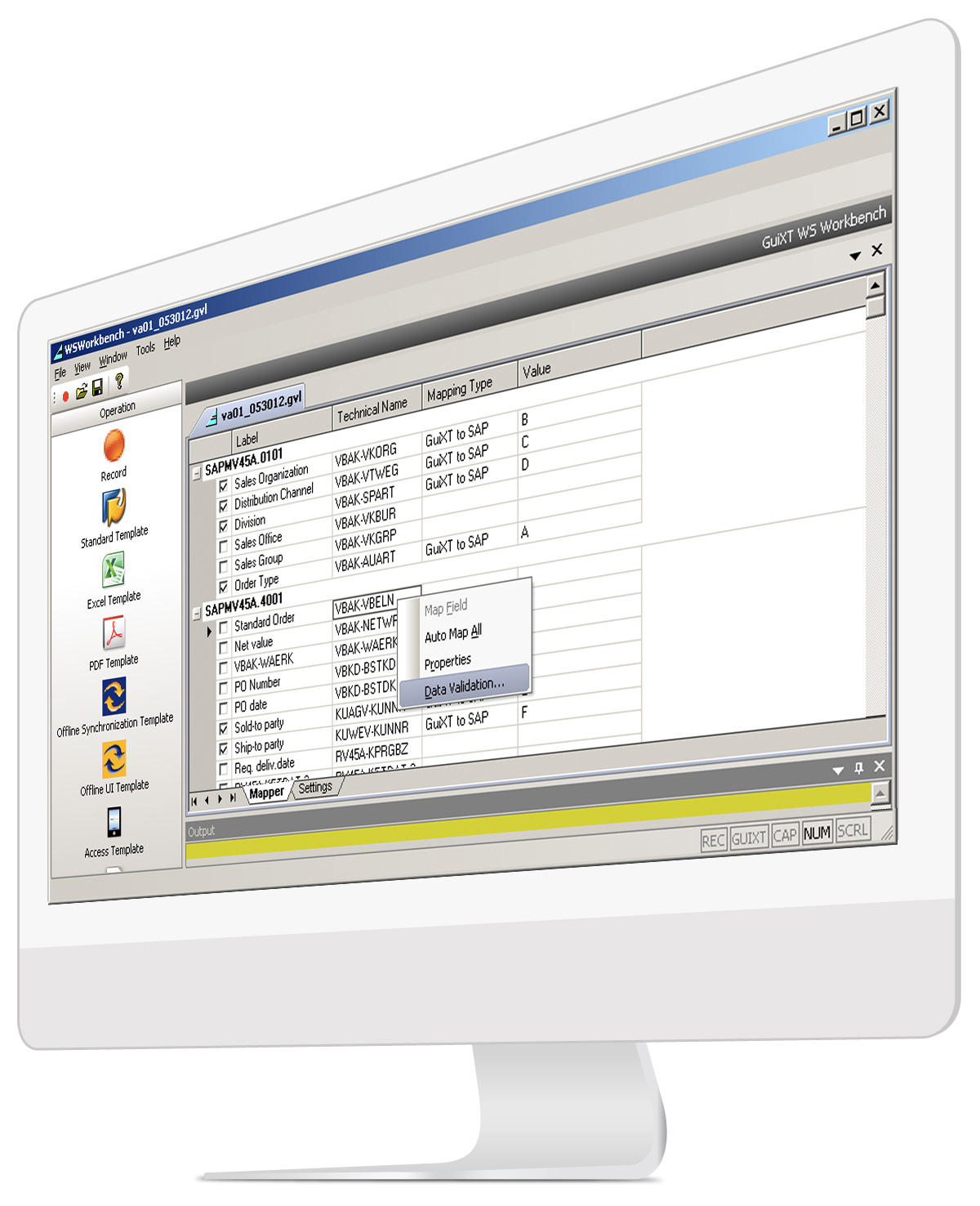
Screen shot shows the result of a WS Workbench recording.

GuiXT WS Workbench is a developer tool that enables users to create scripts that perform bulk data migration between Excel and SAP or between PDF forms and SAP. Built on Synactive's WS Platform, Workbench also lets users create standard GuiXT scripts for use with SAP GUI. Workbench also includes Excel spreadsheet generation and error handling that will identify and flag any mistakes made by a user during the data entry process.

Recording Scripts

WS Workbench provides users with a tool that records SAP transactions, screens, and processes. Recordings are then saved and customized scripts are generated later.

Generating Scripts

Once the screen, transaction, or process is recorded the user will need to generate the requisite script file for use in SAP. Scripts are generated using pre-defined templates. WS Workbench currently includes three template files:

  • Standard: Generates a script that can be used in SAP GUI.
  • Excel: Creates Excel spreadsheet and generates a script that creates an Excel spreadsheet and performs bulk data transfer from Excel to SAP or from SAP to Excel.
  • PDF: Generates a script that performs a data transfer from a PDF form to SAP.

Users then simply click on the desired template button in the Workbench application and the script file is generated.

Running Scripts

It is relatively simple to run a Workbench-generated script. Once the script is stored in the designated script directory, users simply refresh the SAP screen and the modified screen will appear.

Example displays the Create Sales Order screen after WS Workbench has generated a script from the Excel template.
Once the user presses the pushbutton they are asked to choose an Excel spreadsheet, which is displayed as shown.

Technology

WS Workbench is built on the WS Platform and utilizes the same industry-standard web scripting as do all other elements of the platform.

Solution

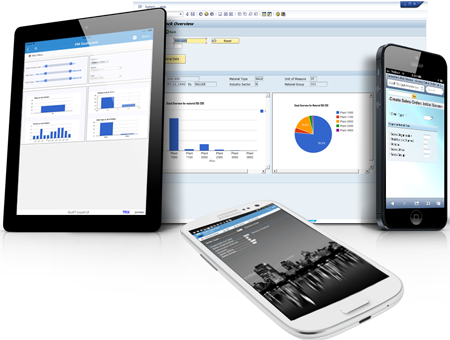
WS Workbench is a stand-alone developer application. It is installed on the user's local machine and comes with all requisite files—it does not need any additional components to function. Workbench provides SAP users with a developer tool that records and generates scripts for use both with the SAP GUI interface and when used with the WS Office extension, in addition to Excel and Adobe Acrobat. The resulting scripts enable bulk data migration, easing the data-entry process for users, and removing the need for developers to spend time creating scripts manually. Scripts can then be deployed along with all current GuiXT WS scripts to a variety of platforms.

Architecture

The architecture of the overall WS Platform, including the WS Workbench component is shown as follows: